Mar 20, 2026
How Locum Vets Use AI Clinical Notes Across Multiple Practices
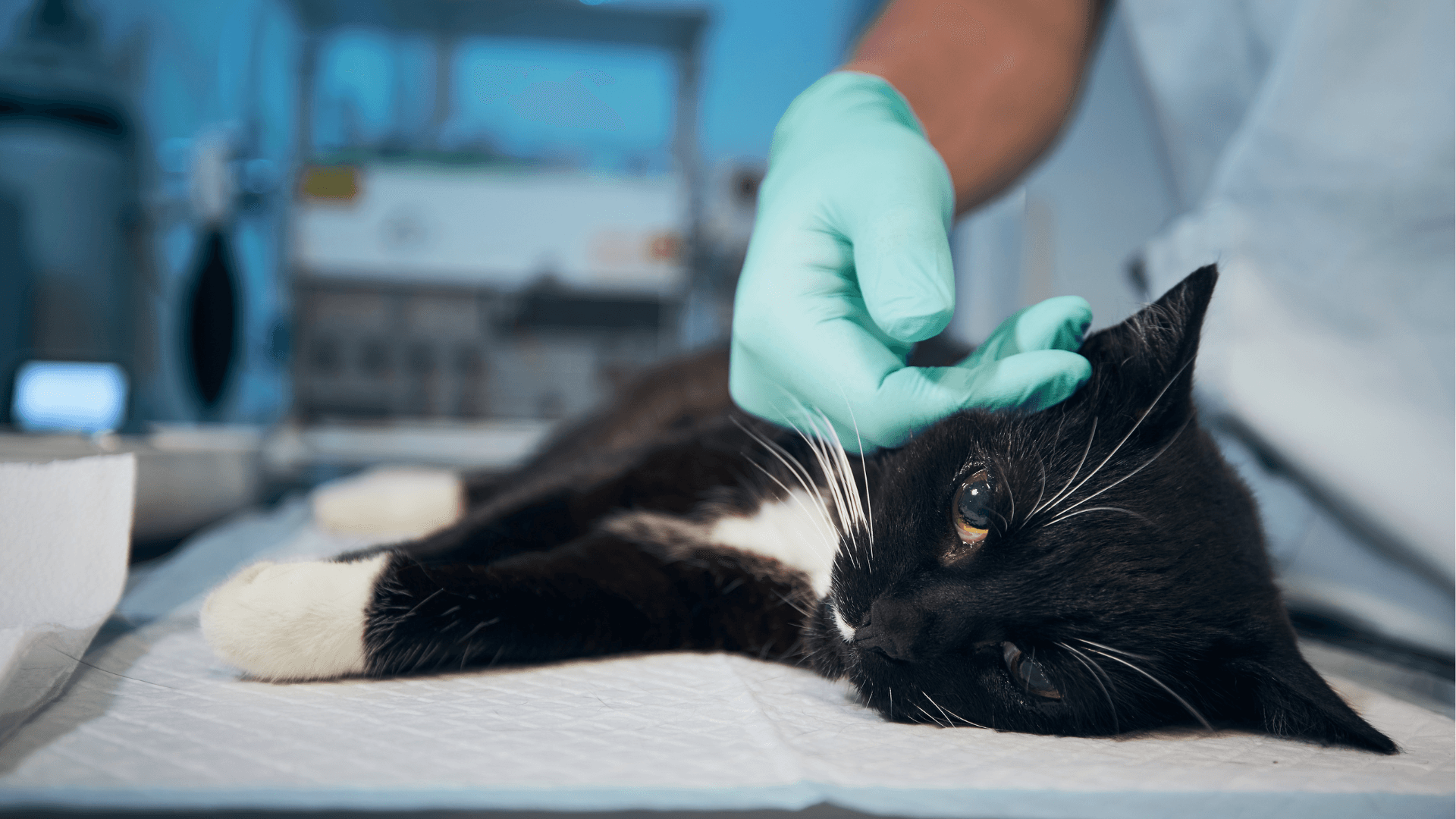
VetNotes works on top of whatever PMS the host clinic runs: EzyVet, RxWorks, OpenVPMS, Ascend, Vision + others. Your account travels with you. The SOAP structure, the compliance language, and the review workflow stay consistent from clinic to clinic. The only thing that changes is which system the note gets pushed into.
Locum veterinary work creates a documentation problem most permanent vets don't face: you're writing clinical notes in a different practice management system every week.
One clinic runs EzyVet. The next runs RxWorks. Another uses OpenVPMS. Each has its own template structure, its own note format expectations, its own workflow. You're re-learning where everything lives while juggling patients simultaneously.
The locum-specific challenge
Permanent vets develop muscle memory around their PMS over years. Locums don't have that luxury.
The documentation requirements are identical (SOAP structure, compliance language, billing codes) but the environment changes constantly. The cognitive overhead of adapting to a new system while maintaining note quality is real.
Most locums either accept lower note quality during transition periods or spend extra time after clinic catching up. Neither is sustainable.
How VetNotes works for locums
VetNotes, an AI scribe for vets, sits on top of whatever PMS the clinic uses. It integrates natively with EzyVet, RxWorks, OpenVPMS, and Covetrus Ascend, which covers the most widely used vet PMS platforms.
The setup at a new clinic is a single session. The way VetNotes generates notes doesn't change from clinic to clinic: the SOAP structure, the compliance phrasing, the review workflow. What changes is the PMS it writes into.
For a locum, that means consistent documentation quality regardless of what system the host clinic uses. You're not adapting to a new note-writing workflow at each placement. You're reviewing and approving notes that are already in SOAP format, in the correct PMS, within minutes of each consult.
Frequently asked questions
Does VetNotes work if each clinic I cover uses a different PMS?
Yes. VetNotes works with EzyVet, RxWorks, OpenVPMS, and other practice management systems. The note generation and review workflow stays consistent regardless of which system the clinic uses.
Can I use my own VetNotes account at different clinics?
Yes. Your VetNotes subscription is yours, not tied to a specific clinic. You can use it wherever you practise.
How do I get started?
VetNotes requires no download and no local installation. It runs on any web browser, as well as iPhone and Android. All plans include complimentary staff training.
Want to start taking consistent notes at every practice you cover?
Book a 15-minute demo with the VetNotes team to get started today.
Related reading
Related Blogs
See All Blog
The Best AI Scribes for Vet Clinics Remember Your Practice
The best AI scribes for vet clinics do more than transcribe a consult. They learn how your practice operates and carry that in
AI in Veterinary Practice: What’s Actually Going to Change
How do I use AI in my vet practice?The biggest AI opportunity right now for vet clinics is automating clin
What Is a SOAP Note in Veterinary Practice?
What is a SOAP note in veterinary practice?A SOAP note is a structured clinical record used to document a
A management platform to help you succeed
Simplify your workforce's time management with our intuitive HR Management.
Book 15-min demo160+ Countries

Canada

Ecuador

Guinea

Romania
Canada
Ecuador
Guinea
Romania

Scotland

Qatar

Honduras

Cuba
Scotland
Qatar
Honduras
Cuba

Brazil

Argentina
Canada
Ecuador
Brazil
Argentina
Canada
Ecuador
Guinea
Romania
Scotland
Qatar
Guinea
Romania
Scotland
Qatar
Putting our customers at the heart of everything we do, we strive.
12M secured users

Putting our customers at the heart of everything we do, we strive.